
Call Us Today: 1 661-404-7370 Mon-Fridday 9am to 5pm Pacific Standard Time
Free Calendar & Scheduling Builder for Small Businesses
Book More Appointments and Save Time With Automated Scheduling
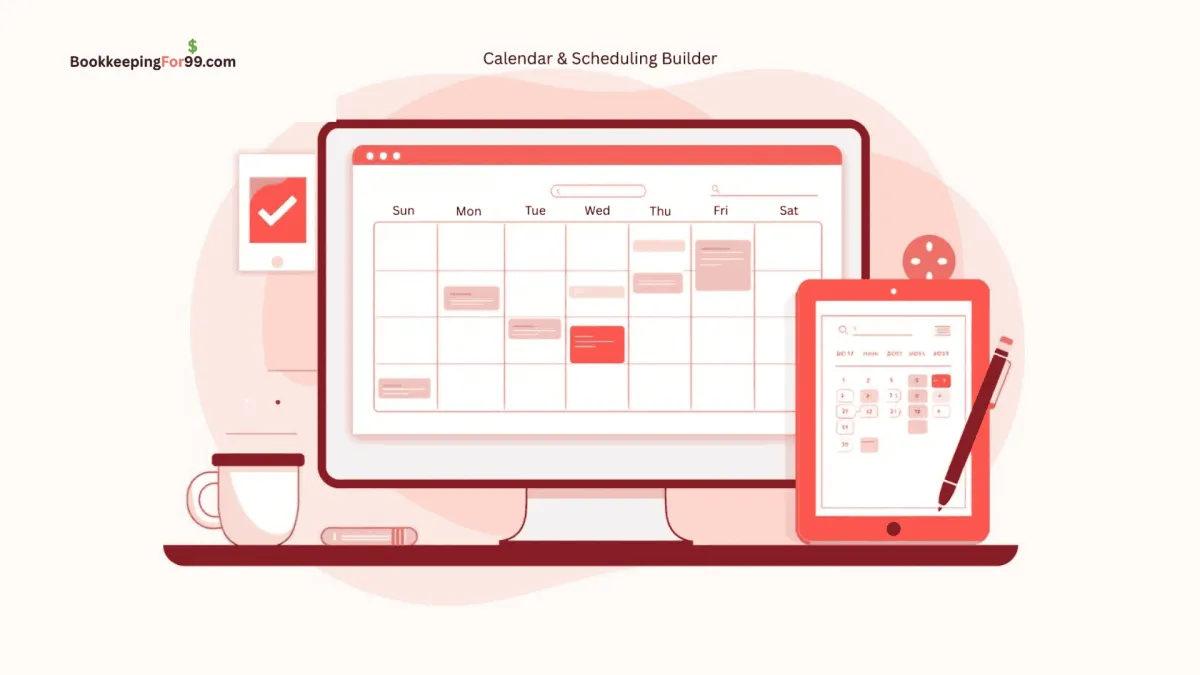
Running a business means managing calls, consultations, follow-ups, and meetings — all while trying to stay productive. The Free Calendar & Scheduling Builder inside your BookkeepingFor99.com Toolkit eliminates the back-and-forth of booking appointments and makes scheduling simple for you and your clients.
Whether you’re offering free consultations, paid sessions, or team meetings, this tool allows customers to book directly from your website, email, or text — with automatic reminders and confirmations that keep everyone on track.
Why It Matters
Save Hours Every Week
No more endless email threads or missed calls to set up a meeting. Clients choose from your available times, and the system books automatically — even while you sleep.
Look Professional and Organized
A branded booking page with your logo, colors, and personalized messages makes every client interaction feel polished and trustworthy.
Reduce No-Shows
Automated text and email reminders help ensure clients don’t forget their appointments. You save time, protect your calendar, and maintain a steady schedule.
Connects With Everything Else
Your calendar integrates seamlessly with your Multi-Source Inbox, forms, and website pages. When someone books a time, it appears instantly in your system so you can follow up with ease.
Truly Free and Unlimited
Most scheduling apps charge $15–$30 per month for basic booking links or integrations. The version included with your Toolkit is completely free — no limits, no add-ons.
How It Works
1. Easy Setup
Connect your existing Google or Outlook calendar in minutes. Define your availability, buffer times, and appointment lengths.
2. Smart Booking Links
Generate custom booking links for each type of appointment — consultations, estimates, interviews, or client calls. Share them on your website, emails, or text messages.
3. Automated Notifications
Clients receive instant confirmation when they book, along with reminders before the meeting. You can also set up automated thank-you messages or follow-up sequences after appointments.
4. Integrated Payments (Optional)
Add payment fields for paid consultations or deposits. Clients can pay at the time of booking, and the transaction is recorded automatically.
5. Team Scheduling and Round Robin
If you work with a team, assign bookings to available members or rotate appointments automatically to balance workloads.
Example in Real Life
A bookkeeping consultant offers free 30-minute consultations to small business owners.
Instead of manually scheduling each call, she places her booking link on her website and in her email signature.
When a potential client clicks the link, they choose a time, receive an automatic confirmation, and get reminders before the meeting.
The consultant never has to chase anyone down or worry about double-booking. Every appointment appears in her system with contact details and notes — all automatically organized.
Benefits for Small Businesses
Simplify client scheduling and eliminate manual coordination.
Reduce cancellations and no-shows with automatic reminders.
Collect payments at booking for paid services.
Sync with Google or Outlook to prevent double-booking.
Keep all appointment details and follow-ups in one system.
Replace paid scheduling tools with a free, fully integrated solution.
Ready to Simplify Scheduling?
The Calendar & Scheduling Builder is included free as part of the BookkeepingFor99.com Business Growth Toolkit.
You’ll never need a separate scheduling app again — just one clean system to book, manage, and follow up with every client automatically.
Contact us today to see how easy it is to set up your booking page and start managing appointments with confidence.

Free Tools To Grow Your Interpreting Practice
Free Marketing Toolkit
Multi-Source Inbox
Forms and Survey Builder
Website and Funnel Builder
Blog Builder
Calendar & Scheduling Builder
Social Media Poster & Scheduler
Mass Email Mailer & Scheduler
Smart Chat - Website to SMS
Reputation Management
Contact Information/Database
Sell Course and Video Membership
Prospects to Clients - Pipeline
Visit us on Linkedin:

Ways to Contact Us:
1 888-515-8262
Mon-Fri 9am-5pm Pacific Standard Time
U.S.-based bookkeeping built for ASL Interpreters. Certified QuickBooks experts keeping your books clean and your tax preparer supported.
© Copyright 2020-2025. ASLBookeeping.com
Fully Owned And Operated By
Digital Ad Cast LLC.
All rights reserved